
Pick a style
The text this link names is not on a guide page now. Use the search at the end of this page to find it.
Pick one of the 24 styles on the Style tab, and watch the live preview change as you tweak. Previews are free and never cost a credit, so there is no reason to be careful with them. To lift a color above the face, see Raise colors and regions.
The 24 styles
A style is not a filter. Each one is a print program that outputs flat, printable regions in your exact filament colors, sized so its detail survives your nozzle. Every sample below is genuine pipeline output.
Click any tile for what that style does. Most styles carry one or two sliders, and every one of them is labeled with what its two ends do, right above the preview. The four Line styles are adapted from Spiralist, an open source project by winch (MIT license).
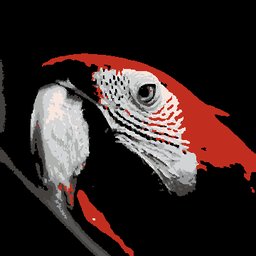 Color SplashThe classic color splash photo effect: everything goes black and white except ONE color you pick on the wheel. That color snaps to the closest colored filament you own. Accent range sets how much of the image keeps its color; Contrast shapes the grays.
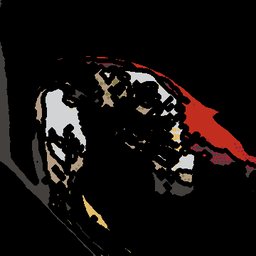 ComicInk outlines over flat color, the way a comic panel is drawn. Line weight is sized for your nozzle so the ink actually prints.
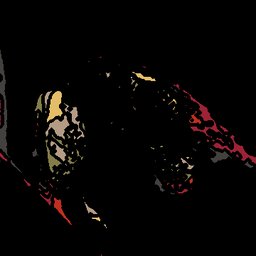 ContourYour image as a topographic relief map. Brightness becomes elevation bands in your filaments, with contour lines tracing each level.
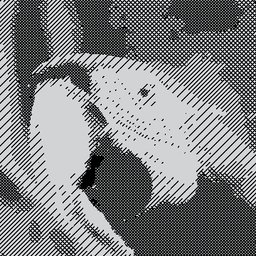 CrosshatchEngraved line shading, built so a single color printer can do it with one filament swap. Line spacing sets how close the hatching sits; Shading bands sets how many levels of it the image is broken into.
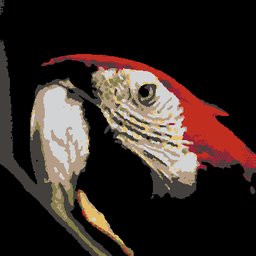 HalftonePop art shading dots. Dot size is tied to your nozzle, so the pattern stays printable rather than turning to mush.
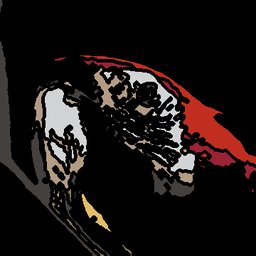 Line ArtPen lines traced from the edges in your photo, inked over your colors. Detail decides how much of the image earns a line; the ink is the darkest filament in the print's palette.
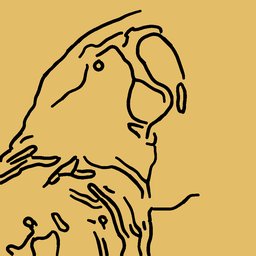 Line ContourOnly the outlines: lines trace where light meets shadow, heavier on strong edges. Outlines sets how many edges you keep; Ink colors works as on Line Spiral.
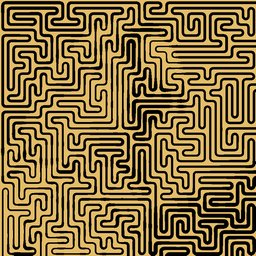 Line MazeOne line winds through a maze that fills the tile, its corridors following the shapes in your image. The line gets thicker where the image is dark.
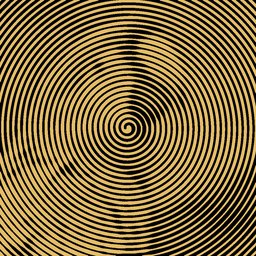 Line SpiralOne line coils out from the center and gets thicker where your image is dark. The thinnest line and the gaps are sized for your nozzle, so both print. Ink colors at One draws your darkest filament on your lightest; move it right to color the line from your image.
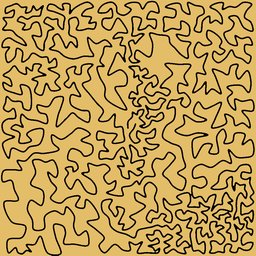 Line WanderOne line meanders across the tile without crossing itself, and packs closer where your image is dark. It is the most abstract of the Line styles.
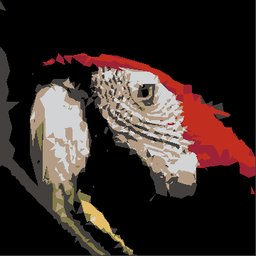 Low-polyThe image rebuilt out of triangulated facets, each one a single flat filament color.
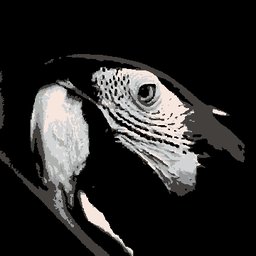 MonochromeStrictly your black, white and gray filaments, so the image becomes a luminance ladder. You need at least two owned neutrals. Contrast steepens the tones; Levels posterizes the ladder, up to your Max colors or as many grays as you own, whichever is fewer.
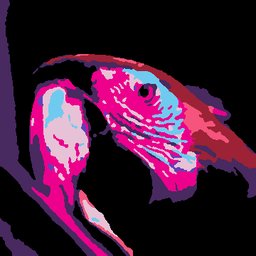 Neon DreamsA cyberpunk color grade: shadows pushed cool, highlights pushed electric, all still inside the filaments you own.
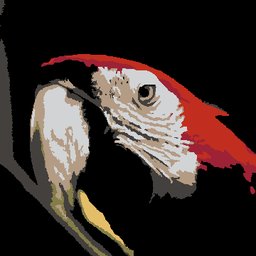 NormalNo styling at all: your photo mapped straight to your filament colors, as faithful as the palette allows. The Simplify slider trades detail for printability, so higher means a simpler print with fewer tiny features and less risk of print errors. Leave it at Raw for maximum detail.
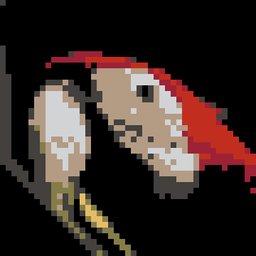 PixelA mosaic grid, every cell one flat filament color. The slider sets how coarse the grid is.
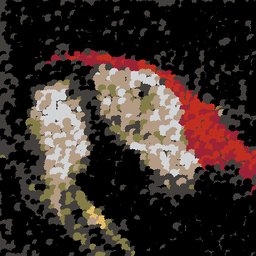 PointillistThe whole image built from broken color dots, Seurat style.
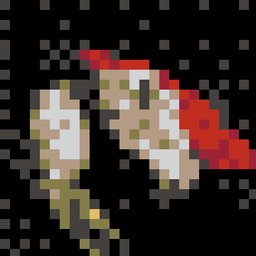 Retro DitherChunky 8 bit shading, mixing two filaments in a pattern to fake a third color your eye reads at a distance.
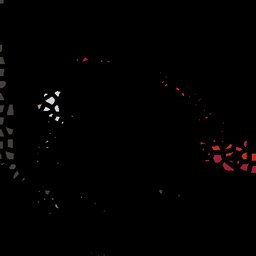 Stained GlassColor panels separated by dark lead lines, so every region prints as its own solid piece.
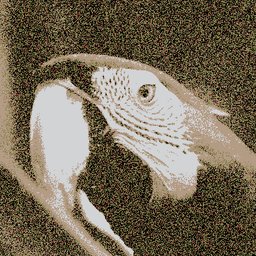 StencilA hard edged poster with spray painted stencil edges. Tones scales the ladder up to your Max colors.
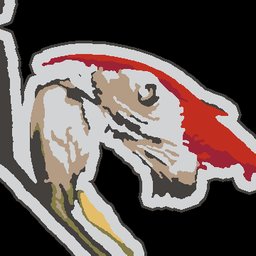 StickerA die cut halo and keyline around the subject, the way a vinyl sticker is cut.
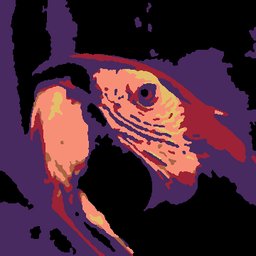 ThermalAn infrared heat map. Each pixel is tinted by its brightness, along a fixed ramp from deep blue through purple and red to yellow. The result is then mapped to your filaments like any image. Intensity sets how strong the tint is.
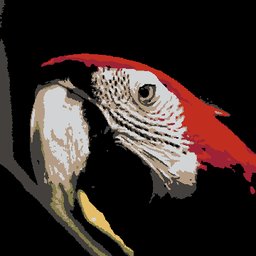 TintYour whole image washed toward a color you choose, so the print takes on that hue while staying in your owned filaments. Pick the hue on the color wheel. Intensity sets how strong the wash is, and even at its lowest it keeps a light wash rather than turning the style off.
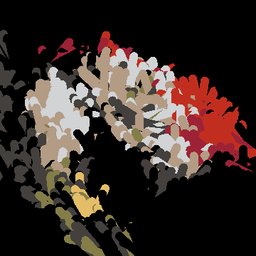 Van GoghSwirling brushstrokes that follow the image’s flow, Van Gogh style.
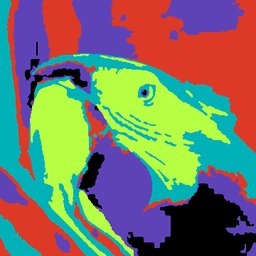 WarholFalse color screen print: the tones remapped onto a bold, deliberately unrealistic set of your filaments.
Also on Design
- Place your images
- Remove a background
- Choose the colors
- Add a border or a hanging hole
- Raise colors and regions
- Use the preview
Next stage: 4 Download, Download and print