Upload your STL, pick a face and drop any picture onto it. Filafy renders it in flat, multicolor filament you actually own and hands you a Bambu Studio–ready 3MF. No color-picking, no wasted spools.
Free live preview · Painted 3MF + layered SVG export · Every conversion saved to My Projects
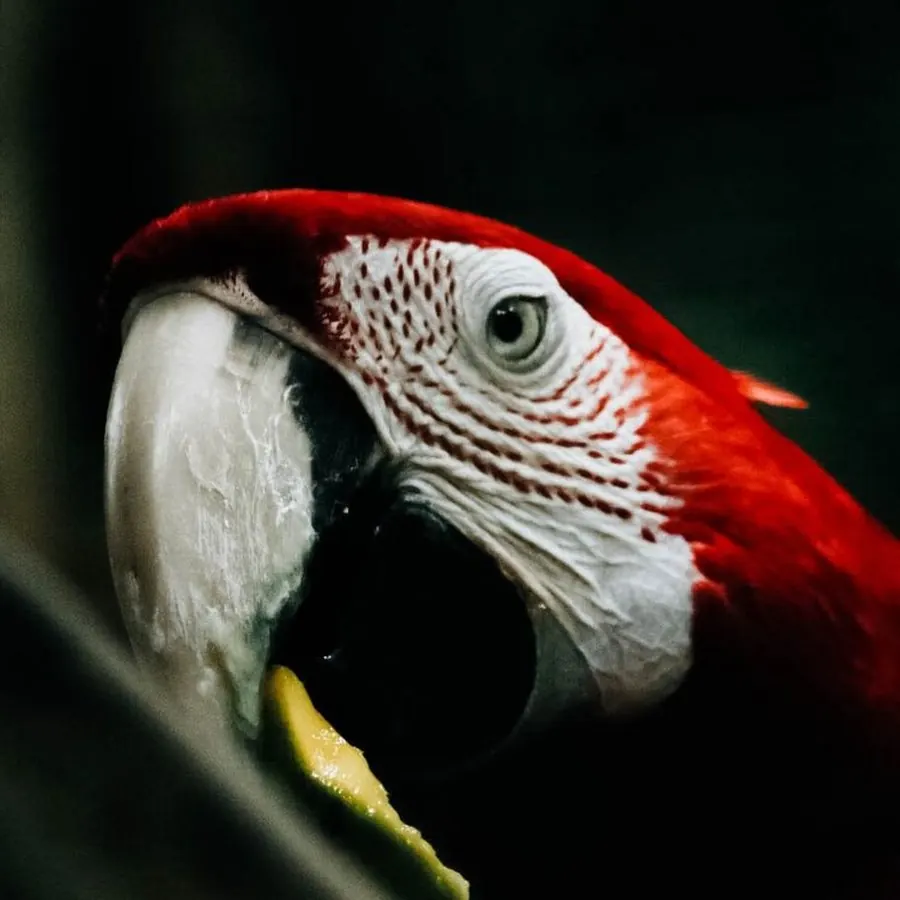
 Your photo
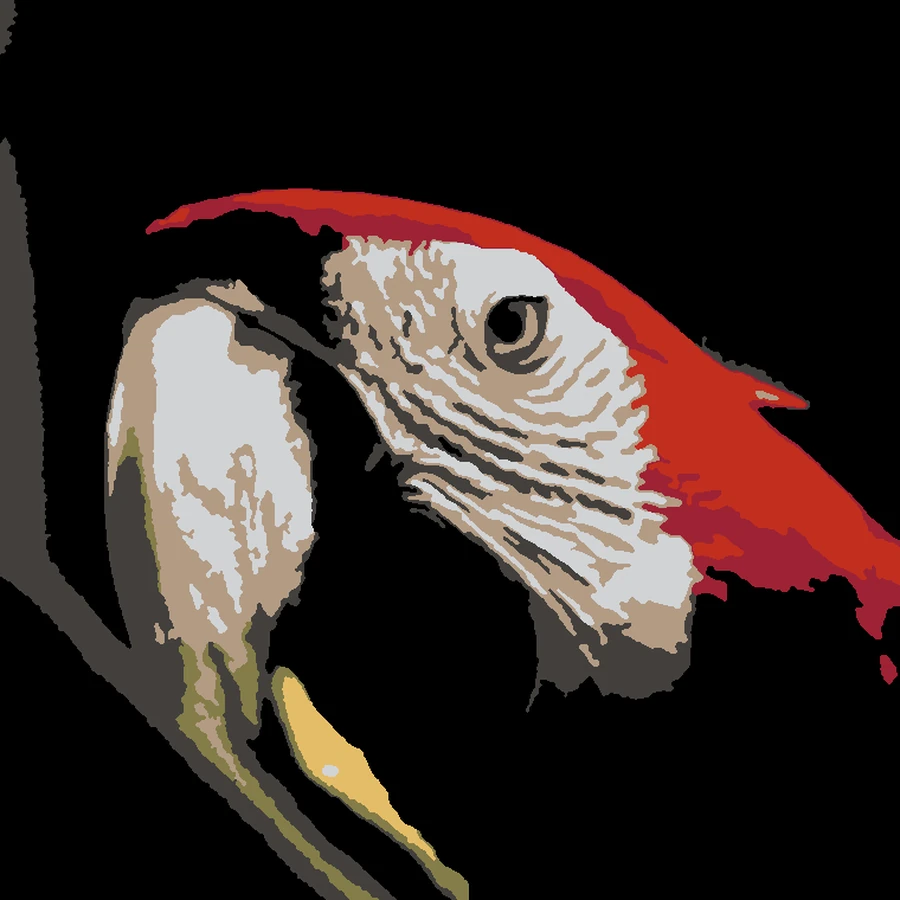
Printed with 8 colors
Your photo
Printed with 8 colors
Drag the handle. The right side is real Filafy output: exactly what your slicer paints, in the demo library's Bambu PLA spools.
Multicolor printing is finally easy. Deciding what to print with the spools you already own isn't. Filafy closes that gap.
Coasters, nameplates, lids, badges, signs. Click the surface and the artwork locks to its exact outline and size.
Logos, pet portraits, kids' drawings, pixel art. JPEG, PNG, HEIC, WebP or SVG, up to 25 MB.
Every pixel maps to a spool on your shelf. No "buy 4 more filaments": the palette is chosen from what's loaded.
Tick what's loaded, or import your spool list. Filafy knows 11,000+ filaments out of the box.
Drop in your model and click the surface you want decorated. The artwork locks to that face.
Filafy maps it onto the face in the best subset of your owned colors, and renders it live as you tweak.
A painted 3MF that opens straight in Bambu Studio, pre-bound to your printer, nozzle, and spools.
Read the full guide for the whole of it. It covers setting up your filaments and printer, the 25 styles, color control, and the print settings that make first-layer artwork look right.
Not filters: print programs. Each style outputs flat, printable regions in your exact filament colors, sized to your nozzle so fine detail survives the first layer.
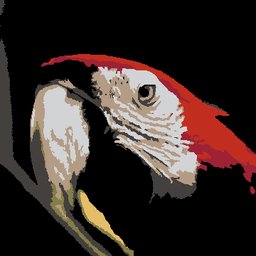
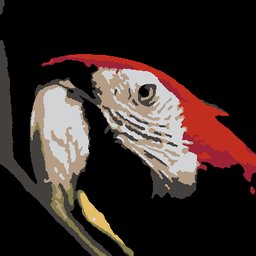
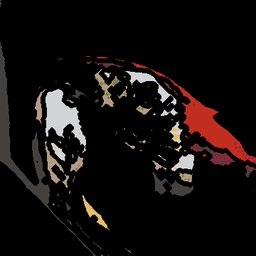
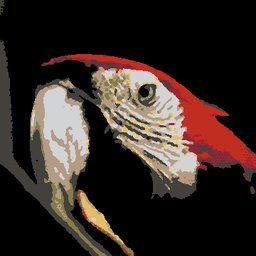
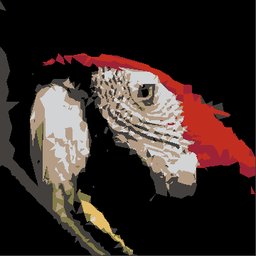
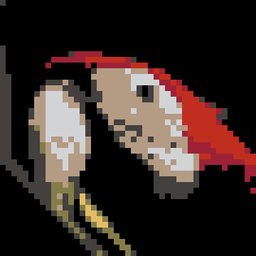
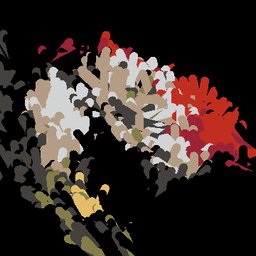
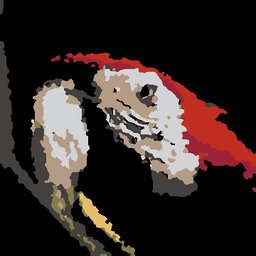

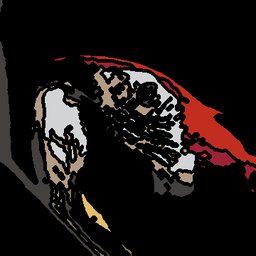
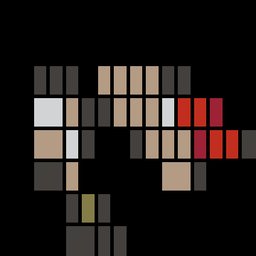
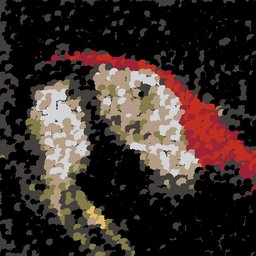
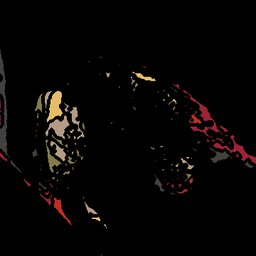
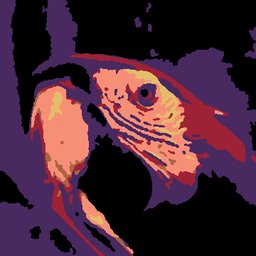

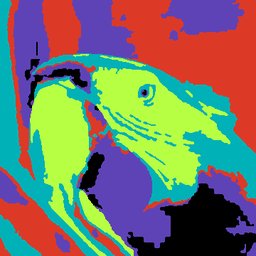
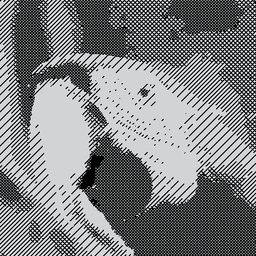

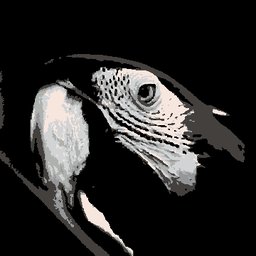
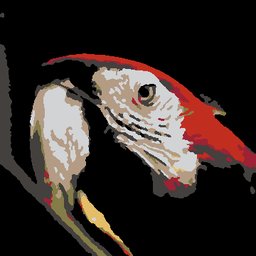
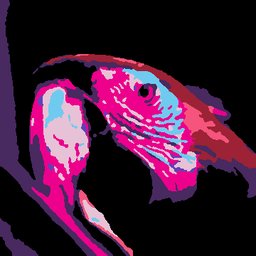
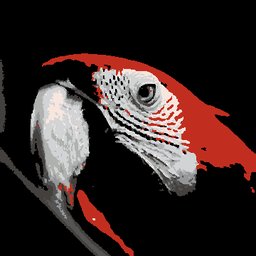
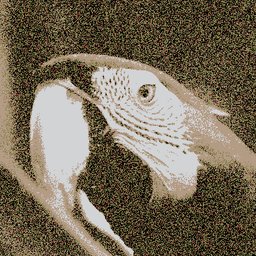
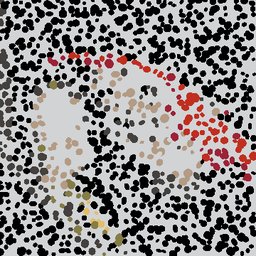
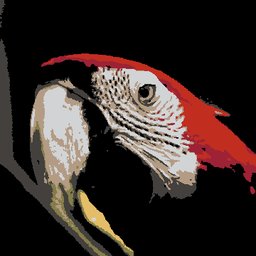
One reference photo, all 25 styles. Every tile is genuine pipeline output, ≤8 colors from one PLA library.
Position, scale and rotate the artwork right on the picked face. What you see in the preview is what prints.
Layer up to 10 pictures on one face: a logo over a photo, a row of icons, a collage. Each can have its background removed, and one credit converts them all.
Perceptual color selection picks the fewest spools that still look right, up to 24, and never mixes materials in one job.
25 looks, each with live sliders: Comic, Halftone, Warhol, Low-poly, Watercolor, Neon and more.
Pre-mapped to your exact printer, nozzle and filament presets. Open, slice, print. No manual slot assignment.
Turn any image into a flat multicolor tile: rectangle, circle, star or its own silhouette, with an optional hanging hole.
Prefer to work it yourself? Export one named layer per filament: clean, editable, slicer-ready.
Running 0.2 mm? Filafy flags the glitter and carbon-fiber spools that would clog it before you print.
Tweak style, placement and colors and watch it re-render in real time. Previews never cost a credit.
Coasters, nameplates, signs, badges, box lids, tabletop minis: any flat face on any model. Built for Bambu Lab AMS owners tired of buying spools they don't need.
Upload your STL, click the face you want, then drop in any image. Filafy paints it onto that face and exports a print-ready 3MF for your slicer.
Yes. The painted 3MF opens in Bambu Studio pre-bound to your printer, nozzle and filament slots. Load the listed spools and slice.
No. Filafy only ever uses colors you already own. Tell it what's on your shelf and every conversion stays inside that list.
Up to 24 filament slots on Bambu printers, and Filafy picks the fewest that still look right. You can cap it anywhere from 2 to 24.
An AMS makes it effortless, but styles like Crosshatch are designed for single-color printers with one filament swap.
The full Bambu Lab range: A1, A1 mini, P1/P2, X1 and H2 families, with per-printer build plates and presets. Your export opens in Bambu Studio or OrcaSlicer. Support for more printers and slicers is coming soon.
Yes. Art prints need no model at all. Drop in a picture and Filafy builds the tile around it, in your choice of shape. A border and a hanging hole are optional.
Live previews are always free. Every account gets free painting credits each month, and they refresh on the 1st.
The guide covers everything from your first spool to the slicer settings that flatter first-layer artwork. It is public, so you can read the whole thing before signing up.
Pick your filaments, upload a model, and see your first painted preview in under a minute.
Start painting →