
A color is missing from my print
The text this link names is not on a guide page now. Use the search at the end of this page to find it.
Most missing colors come from one of these six causes. Check them in order.
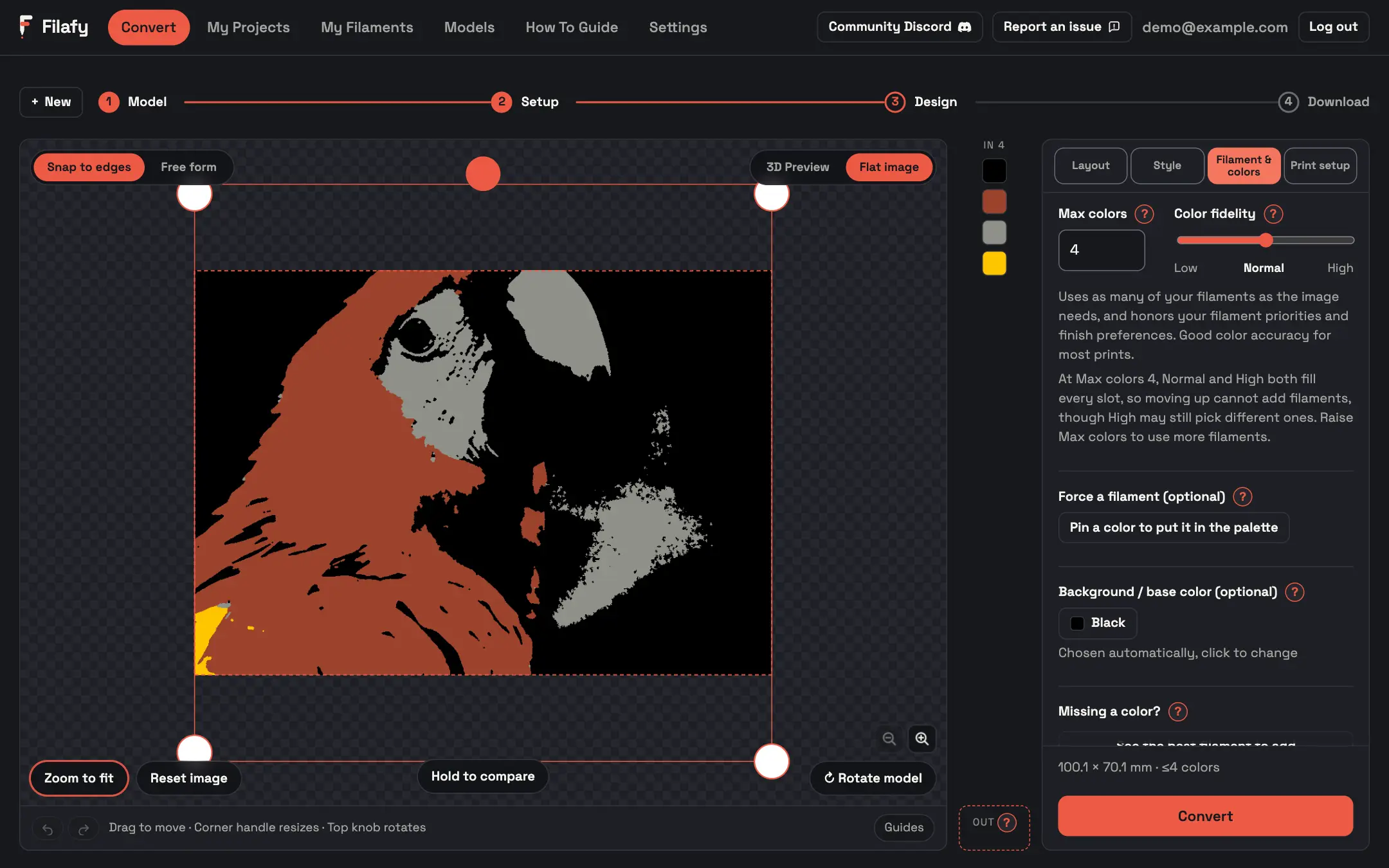
Max colors is full
A print uses at most Max colors filaments.
Fix Raise it on the Filament & colors tab.

 1
 1
Your nozzle set the spool aside
Filafy hides filaments that cannot safely print through your nozzle. The Design step lists them under Excluded filaments.
Fix Use a larger nozzle, or turn off nozzle safety under Settings → Printer.
The spool is a different material
A print never mixes materials, so a PETG spool never joins a PLA print.
Fix Own more than one material? Pick one with Filament material under More options on Setup.
You excluded it
A spool you dragged to Excluded filaments stays out of this conversion.
Fix Click the ✕ on its chip to put it back.
The spool is not ticked, or it is hidden
Filafy only uses spools you ticked on My Filaments. A hidden material, brand or type stays out of new conversions.
Fix Check My Filaments and Settings → Filaments.
You do not own a close color
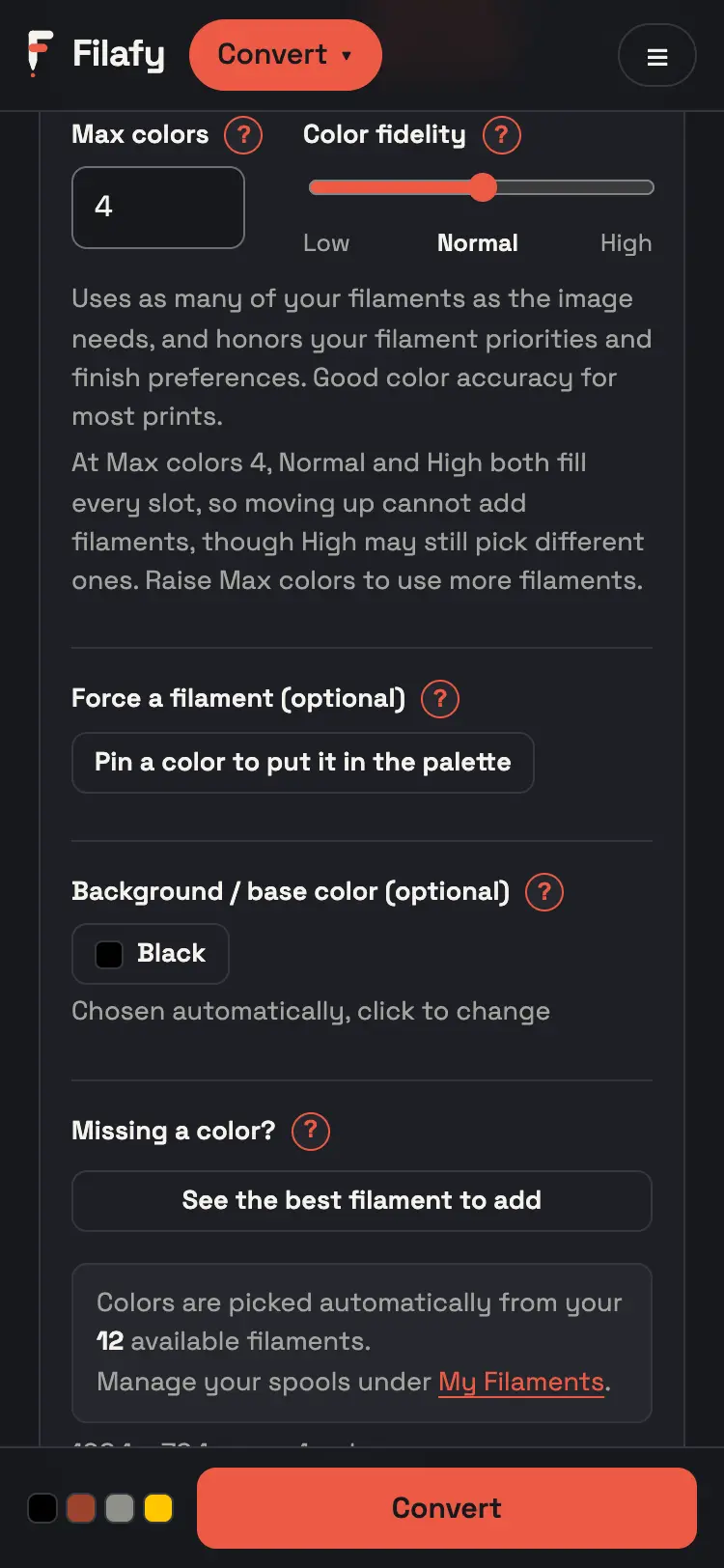
Missing a color? ranks the spools that would help this image most.
Fix Press See the best filament to add on the Filament & colors tab.
 6
 6
To make sure a spool is used, pin it with Force a filament.